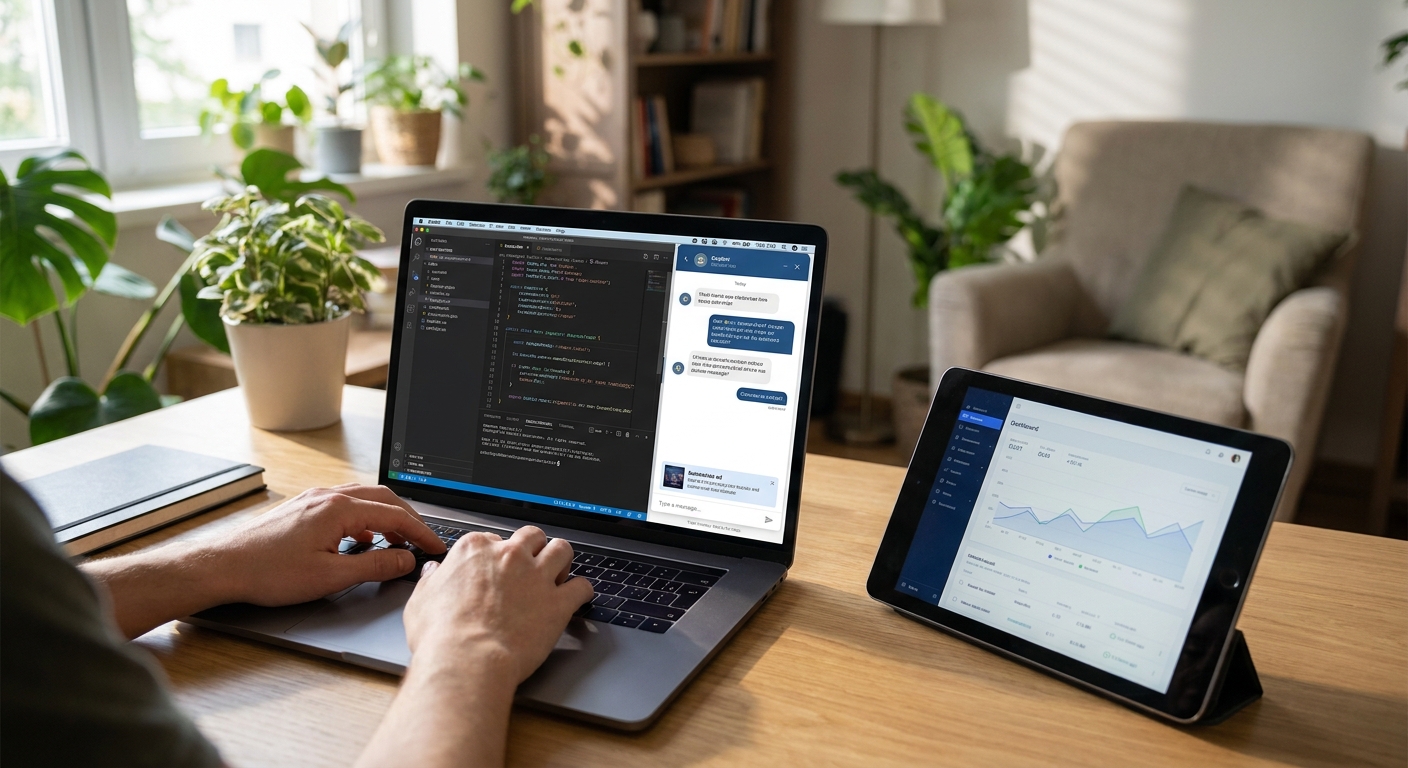
Claude-based assistants can carry contextual ads without turning the chat into a billboard — the integration is an SDK call, a context signal, and a native card, not a banner bolted onto the UI.
- Adding ads to a Claude-based assistant means an SDK install, a context matcher call, and a native ad card, not a banner.
- Elo's SDK drops into a Claude response pipeline in about twelve lines of code across most Node and Python stacks.
- Native ad cards render inside the reply, not as popups, which keeps the chat experience and Anthropic usage policies intact.
- Sandbox test before going live in 2026 — mismatched context signals are the top cause of low fill and low RPM.
- Verdict: build the ad call as middleware in the response loop, not a UI overlay, then watch RPM weekly.
Why this matters
Claude-based assistants — support bots, coding copilots, research tools — mostly monetize through subscriptions or per-seat fees. Free tiers and high-token conversations eat margin fast, and Anthropic doesn't ship a native ad layer for developers building on top of Claude. That gap is why a third-party ad SDK for apps built on Anthropic Claude exists at all.
In 2026, most Claude integrations run through the Anthropic API with a custom backend, which means you already control the request-response loop. That's the exact seam where a contextual ad call fits — no client-side script tag, no page reflow, no banner competing with your chat UI.
What you'll need
- A live Claude integration (Anthropic API key, a current model version)
- Control over your response pipeline — Node.js, Python, or a custom LLM backend
- An Elo publisher account and API key
- A context signal source: the last user message, retrieved documents, or session metadata
- A staging environment to test ad fill before shipping to production
- 30 to 60 minutes for the first integration; longer if you're mediating multiple ad networks
The steps
1. Create a publisher account and get your API key
This is the account that ties ad requests to your app and lets Elo pay out against filled impressions. Sign up, verify your app's domain or bundle ID, and generate an API key from the dashboard. Without this step nothing downstream authenticates, so do it before writing any integration code. Expected outcome: an API key and a sandbox mode toggle in your dashboard.
2. Install the SDK in your Claude pipeline
The SDK is what turns a conversation event into an ad request — install it as a package dependency in whichever backend serves your Claude responses. A typical Claude integration adds the ad call in about twelve lines of code, wrapped around the point where you already stream or return the model's reply. Common mistake: installing the SDK client-side when your Claude calls run server-side, which breaks the context handoff.
3. Pass conversation context to the ad matcher
The matcher needs a signal to pick a relevant ad — usually the user's last message, a RAG-retrieved snippet, or a session tag like "travel planning" or "coding help." Pass a short context string, not the full transcript; longer isn't more accurate, it's just slower. Expected outcome: the matcher returns a relevance score alongside candidate ads, which you can log to confirm it's reading real conversation content instead of a placeholder.
4. Insert the ad call after Claude generates its response
Call the ad endpoint after Claude finishes generating, not before — you want the ad matched against what was actually said, not a guess at what's coming. Set a timeout budget (200ms is a reasonable ceiling) so a slow ad response never delays the chat reply itself. If the ad call times out, the fallback is simple: return Claude's answer with no ad card that turn.
5. Render the ad as a native card, not a banner
Style the ad to match your chat UI — same font, same bubble shape, a small "Sponsored" label. Native cards get read and clicked; banners get ignored or blocked. This is where "non-intrusive" stops being a slogan and becomes a CSS decision: the ad card should look like it belongs in the thread, not like it was inserted after the fact.
6. Test fill and relevance in the sandbox
Run a batch of representative conversations through the sandbox before touching production traffic. Check three things: does an ad return at all (fill rate), does it match the topic (relevance), and does it add noticeable latency. Common mistake: testing with generic prompts like "hello" that give the matcher nothing to work with, then concluding fill rates are low.
7. Set floor CPM and mediation rules
If you're running more than one ad source, floor pricing and mediation waterfall order decide which network gets the impression first. Set a floor CPM that reflects your traffic quality, then let mediation route unfilled requests to backup sources instead of showing nothing. The guide to setting up ad mediation across multiple networks covers waterfall order in more depth if you're stacking sources.
8. Ship to production and watch RPM
Roll out to a percentage of live traffic first, not 100%, so you can compare RPM and user complaints against your control group. Expected outcome: a dashboard graph showing revenue per thousand sessions climbing as the matcher gets more real conversation data to learn from. If RPM stalls flat for more than a week, that's your signal to revisit context signals, not to add more ad slots.
Get the SDK into your Claude app
Install the ad server SDK and run your first sandbox test today.
Troubleshooting
- No ads returning (low fill): Check that your context signal isn't empty or generic — the matcher can't work with "hi" or blank strings. Verify your API key has the correct scope for your account tier.
- Ads look out of place in the UI: This is almost always a styling gap, not an SDK issue. Match font, padding, and border radius to your existing chat bubbles before blaming the ad network.
- Latency added to every response: Set an explicit timeout on the ad call (200ms is a solid starting point) and make the ad call asynchronous so it never blocks Claude's reply from rendering.
- Low RPM despite steady traffic: Usually a mediation gap — one network isn't filling and there's no backup source in the waterfall. Revisit floor pricing and mediation order.
- Ad copy conflicts with content policy: If your app serves regulated or sensitive topics (health, finance, legal), filter ad categories at the account level instead of relying on per-request filtering.
- Same ad shown repeatedly in one session: Add frequency capping at the session level — most SDKs support this as a config flag, not custom code.
Tools and resources
- Ad SDK for apps built on Anthropic Claude — the Claude-specific integration reference
- How to integrate an ad SDK into a Next.js chatbot — useful if your Claude frontend runs on Next.js
- Your Anthropic API dashboard, for confirming model version and token usage alongside ad call logs
- A staging environment separate from production, so sandbox ad tests never touch real users
What to do next
Once ads are live, the next question is whether they're actually worth the integration effort. Measuring ad revenue per user in a chatbot walks through the RPM math you need to run before deciding to expand ad placements or pull back.
FAQ
How do you add ads to a Claude-based assistant?
You install an ad SDK in your Claude response pipeline, pass conversation context to the ad matcher, and render the returned ad as a native card after Claude's reply. No banner code or client-side script tags are needed.
Does adding ads slow down Claude responses?
Not if the ad call is asynchronous with a timeout budget around 200ms. Set the ad request to run after Claude generates its reply, with a fallback to no ad card if the timeout hits.
Is a native ad card better than a banner in a chat app?
Yes — native cards styled to match your chat UI get read and clicked far more than banners, and they don't disrupt the conversation thread. Banners in chat interfaces tend to get ignored or blocked outright.
What context signal should I send to the ad matcher?
Send the user's last message or a short session tag, not the full transcript. A concise, specific signal matches faster and more accurately than a long context blob.
Can I run ads on a Claude app alongside a subscription model?
Yes, ads and subscriptions aren't mutually exclusive — many apps show ads only to free-tier users and go ad-free for paid subscribers, which the SDK supports through account-level rules.
How much does it cost to add an ad SDK to a chatbot?
SDK integration itself is a development time cost, not a licensing fee in most ad-server models — revenue comes from a share of advertiser spend on filled impressions. Check current terms directly with the ad network you choose.
What's the biggest mistake developers make integrating chat ads?
Treating the ad call like a UI overlay instead of a middleware step in the response pipeline. That approach adds latency and breaks native styling, which tanks both user experience and fill quality.
Do I need to mediate multiple ad networks for a Claude app?
Not at launch — start with one network, confirm fill and relevance in sandbox testing, then add mediation once you have enough traffic data to set floor pricing intelligently.
One last thing
Every chat is monetizable, even the ones that don't convert into a sale or a signup — a well-matched ad card earns revenue on the conversation itself, not on what happens after it. Build that into how you think about ad placement in 2026: the ad call is a monetization layer on top of every session, not a tax on the sessions that already convert.


