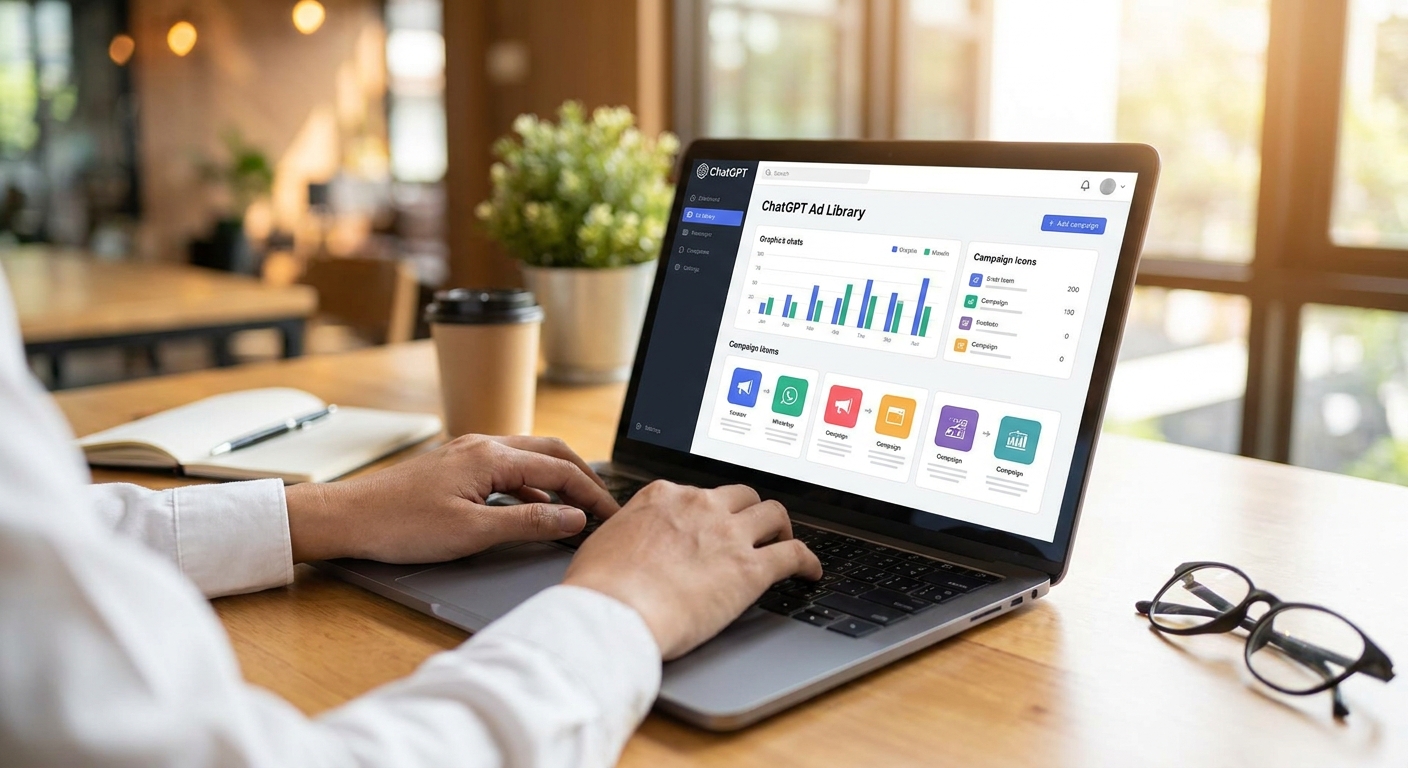
Getting your chatbot's ads into the ChatGPT ad library isn't automatic — it takes a working SDK integration, clean context tagging, and a pass on brand safety before anything shows up in a public listing. This guide walks through the exact sequence, step by step, for developers running ads through an SDK like Elo's.
- The ChatGPT ad library only indexes ads from apps with a live, tested SDK integration returning fill in 2026.
- Context tagging and brand safety filters are prerequisites, not optional cleanup — skip them and your ads get rejected or hidden.
- A twelve-line SDK install is the technical bar; the real work is QA testing before launch.
- Elo's Ad Library indexes ads running on ChatGPT and other AI chat apps once integration and compliance checks pass.
Why this matters
Ad libraries exist for transparency — advertisers, users, and competitors can see what's actually running in an AI chat app, the same way Meta's Ad Library shows what's live on Facebook and Instagram. For an AI chatbot developer, getting listed in the ChatGPT ad library is proof your monetization is real: live ads, real advertisers, real spend.
It also matters commercially. Advertisers browsing an ad library are scouting placements. If your chatbot isn't indexed, or your ad units look broken or miscategorized when they do appear, you lose consideration before a single impression happens. Preparation is what separates an app that shows up clean in the Elo library from one that never gets indexed at all.
What you'll need
- A chat application built on OpenAI, Anthropic, or a custom LLM stack, with active conversation volume
- An ad SDK installed and returning a test fill (Elo's integration runs about twelve lines of code)
- Defined ad placement points inside the conversation flow — native cards, not banners
- A content/category taxonomy for your app's typical conversation topics
- A GDPR and brand-safety review of your ad exclusion list
- A staging environment to run test conversations before flipping ads live
The steps
1. Confirm your app qualifies
The ChatGPT ad library only lists apps with a working, live ad integration — not apps still in planning. If your chatbot runs on OpenAI's API, Anthropic's Claude, or a custom LLM, you're eligible; the model doesn't gate you, the integration status does.
What this accomplishes: it filters out apps that aren't ready, so you don't waste a submission cycle. Check that your app has real conversation volume first — an ad library entry with zero impression history looks broken to anyone browsing it.
Common mistake: submitting an app that's still serving placeholder or test ads. Reviewers and advertisers can tell.
2. Install the ad SDK
This is the technical foundation everything else depends on. Elo's SDK installs in roughly twelve lines of code across most JS and Python stacks, and it needs to sit at the point in your chat flow where a native ad card can render without interrupting the conversation.
Run a test call immediately after install and confirm you're getting a response object back, even if it's a placeholder ad in sandbox mode. If you're integrating against a Next.js frontend or a Slack/Discord bot, the wiring differs slightly — check the SDK docs for your specific framework before assuming a generic snippet will drop in cleanly.
Expected outcome: a successful test call returning ad metadata (creative, CTA, category) within under 300ms.
3. Tag conversation context for the matcher
Contextual ad matching only works if your app passes usable signal — topic, intent, recent messages — to the matcher. Untagged or poorly tagged context means the matcher falls back to generic ads, which tank relevance and get flagged during review.
Map your app's common conversation categories (travel, finance, shopping, support, whatever your users actually talk about) to the matcher's taxonomy before you go further. This is the step most developers skip, and it's the single biggest driver of low fill rates later.
Common mistake: tagging every conversation as "general" because it's faster. It isn't faster once your fill rate sits at half of what a properly tagged app gets.
4. Set brand safety and compliance filters
Before any ad reaches a user, or a public library listing, it needs to clear brand safety exclusions and data compliance checks. This includes category exclusion lists (no gambling ads next to a finance chatbot, for example) and GDPR consent handling if you serve EU users.
Do this now, not after launch — retrofitting compliance after ads are live means pulling live inventory, which shows up as a gap in your ad library history. Review the brand safety guidelines for conversational ads before you finalize your exclusion list.
Expected outcome: a documented exclusion list and a GDPR consent flow that fires before the first ad renders.
5. QA test the full integration
Run a batch of real test conversations through staging and check three things: does the ad render as a native card and not a banner, does the category match the conversation, and does latency stay under your target threshold. This is the step that catches integration bugs before they become a public embarrassment in the ad library.
A step-by-step SDK testing checklist covers the specific test cases worth running — mismatched context, empty fill responses, and rendering breaks on mobile are the three most common failures developers report.
Common mistake: testing only on desktop. Most chat traffic in 2026 skews mobile, and native card rendering breaks differently on smaller screens.
6. Launch and monitor fill rate
Once QA passes, flip ads live for a subset of traffic first — 10-20% is a reasonable starting split. Watch fill rate and RPM daily for the first week. A healthy contextual integration should land in the 60-80% fill rate range once tagging is dialed in; anything lower usually traces back to context tagging gaps from step 3.
Expected outcome: stable fill rate and no spike in user complaints about irrelevant or intrusive ads.
7. Confirm indexing in the ad library
After a sustained run of live impressions — typically a few weeks of consistent volume — your app's ads become eligible for public indexing in the ChatGPT ad library. This isn't instant; libraries index on a rolling basis tied to sustained delivery, not a one-time submission.
Check back periodically rather than assuming a single launch guarantees a listing. If your app doesn't appear after a reasonable stretch of live delivery in 2026, the fill rate or compliance status is the first thing to audit.
Get your chatbot ad-ready
Install the SDK and start serving contextual ads in your chat app.
Troubleshooting
- Ads aren't appearing at all. Check the SDK is actually initialized in production, not just staging — a surprising number of "broken" integrations are just pointed at the wrong environment.
- Fill rate stays under 30%. Context tagging is almost always the culprit. Revisit your taxonomy mapping from step 3 before touching anything else.
- Ads showing on the wrong topics. Your brand safety exclusion list is too narrow or your matcher isn't receiving clean context signal. Widen exclusions first, then re-check tagging.
- Compliance flag on GDPR consent. Confirm your consent flow fires before the ad request, not after. A consent check that runs post-render doesn't count.
- App not indexed after weeks of live delivery. Sustained volume and a clean compliance record are the two gating factors — check both before assuming it's a submission issue.
- Users complaining ads feel intrusive. Native cards should read as part of the conversation, not interrupt it. Revisit placement points from step 2.
Tools and resources
- Your ad SDK's test/sandbox mode for pre-launch validation
- A conversation topic taxonomy mapped to your app's most common categories
- A GDPR compliance checklist for conversational ads if you serve EU traffic
- Fill rate and RPM dashboards to track post-launch performance
- A staging environment separate from production for ongoing QA
What to do next
Once your ads are live and stable, the next move is measuring what they're actually worth per user, not just per impression. A per-user revenue view catches problems fill rate alone hides — like ads that fill fine but convert nobody.
FAQ
What is the ChatGPT ad library?
The ChatGPT ad library is a public directory showing which ads are actively running inside ChatGPT and other AI chat apps in 2026, similar in purpose to Meta's Ad Library. It lists the creative, category, and app context for each listed ad.
How long does it take to get listed in the ChatGPT ad library?
Listing typically follows a sustained stretch of live ad delivery rather than a one-time submission. Apps need consistent fill and a clean compliance record before indexing happens.
Do I need a certain fill rate to appear in the ad library?
There's no published minimum, but apps with very low or inconsistent fill rarely accumulate the sustained delivery history that triggers indexing. A fill rate in the 60-80% range signals a healthy integration.
Is GDPR compliance required before ads go live?
Yes, if you serve users in the EU. Consent needs to fire before the ad request, not after the ad renders, or you risk a compliance flag that pulls your listing.
Can I list a chatbot built on Claude or a custom LLM, not just OpenAI?
Yes. Eligibility depends on having a working ad integration and live conversation volume, not on which model powers the chatbot.
What's the difference between a native ad card and a banner in a chat app?
A native card renders inline with the conversation format and matches the app's visual language, while a banner sits separate from the chat flow. Native cards get better engagement and are what most ad libraries expect to see listed.
Why isn't my chatbot's ad matching the conversation topic?
Poor context tagging is the most common cause. If the matcher isn't receiving clean topic signal from the conversation, it falls back to generic ad selection.
How much SDK code does it take to add ads to a chatbot?
Most integrations, including Elo's, run around twelve lines of code for a basic implementation. Framework-specific setups like Next.js or Slack bots may need a few extra lines for event wiring.
One last thing
The developers who get indexed fastest in 2026 aren't the ones with the most polished ad creative — they're the ones who nailed context tagging on the first pass. Fill rate and library eligibility both trace back to that one step more than any other.


