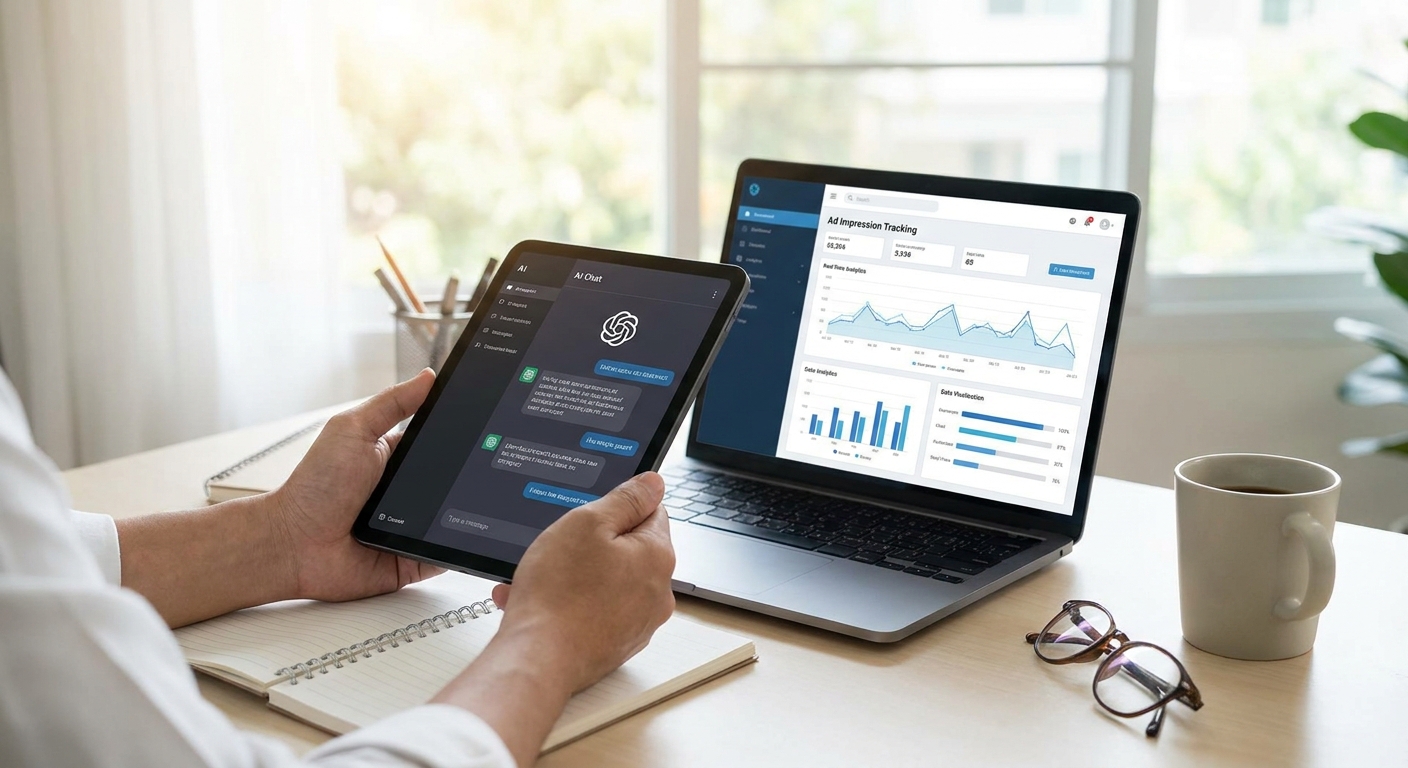
Impression tracking inside an AI chat app doesn't work like impression tracking on a webpage — there's no scroll position, no ad slot in the DOM, no viewability library built for chat bubbles. If you're shipping conversational ads in 2026, you need a tracking setup built for turns and tokens, not pageviews.
- Log render, view, and click events separately — a rendered ad card is not a viewed impression.
- Deduplicate by conversation ID and turn number, not session ID, or repeated ad calls get double-counted.
- Reconcile your own logs against SDK dashboard totals weekly to catch drift before advertisers do.
- Testing ad SDK integration before launch prevents bad impression data from tanking your first CPM negotiations.
- A working setup for how to track ad impressions inside an AI chat app takes an afternoon, not a sprint.
Why This Matters
Advertisers pay on impressions, clicks, or conversions — and every one of those numbers traces back to how you log the impression event. Get it wrong and you either underreport (leaving revenue on the table) or overreport (inflating CPMs until an advertiser audits your logs and pulls the campaign).
AI chat apps make this harder than display ads. A single conversation can render the same ad card twice if a user regenerates a response. A card can mount off-screen in a scrollable chat history and never get read. None of that shows up unless you instrument for it directly.
What You'll Need
- A chat app built on OpenAI, Anthropic, or a custom LLM backend
- An ad SDK already wired into the chat render loop — see integrating an ad SDK into a Next.js chatbot if you haven't installed one yet
- A logging destination: an analytics database, a webhook endpoint, or an events table you control
- Unique identifiers for conversation and session, generated server-side, not client-side
- A staging environment where you can fire test conversations without touching live inventory
- Dashboard access to whatever ad platform is serving the creative, so you can reconcile counts
The Steps
1. Fire a Render Event the Moment the Ad Card Mounts
This is your baseline count — every time an ad card is inserted into a chat response, log a render event with a timestamp. It accomplishes nothing on its own, but every downstream metric depends on it existing.
Fire the event from the component lifecycle, not from a network callback, so you capture renders even if the impression-tracking call to your ad network fails. Include the ad unit ID, the conversation ID, and the turn number in the payload. Expect this number to run higher than your billed impressions — that gap is normal and gets filtered in step 2.
Common mistake: firing the render event inside a useEffect with no dependency array, which fires once per component mount even when React re-renders the same card. That silently inflates render counts by 2-3x in production.
2. Define a Viewable Impression, Not Just a Rendered One
A render is not a view. The IAB's Media Rating Council standard for viewable display impressions requires 50% of ad pixels visible for a continuous 1 second — apply the same logic to chat: don't count an impression until the card has been on-screen and in focus for at least 1 second.
Use an Intersection Observer (or the equivalent in your framework) to detect when the card enters the visible viewport, then start a timer. If the user scrolls past before the timer completes, discard the event. This single filter is usually what separates an inflated impression count from one advertisers trust.
Common mistake: counting an impression on page load for chat histories that render the full conversation at once — every prior ad card in the scroll gets marked viewed even though the user never scrolled up to see it.
3. Tag Every Impression With Conversation Context
Context is what makes conversational ads valuable over generic display — an impression without context data is just a number. Attach the matched category, the triggering query or intent, and the LLM backend (OpenAI, Anthropic, custom) to every logged event.
This payload is what lets you later report which conversation topics drive the highest RPM, and it's what an ad network needs to justify contextual targeting to advertisers. Store it as structured JSON, not a flat string, so you can query it later without regex parsing.
4. Deduplicate by Conversation ID and Turn Number
Users regenerate responses. Assistants retry failed completions. Both scenarios can re-render the same ad card in the same turn, and if you're deduplicating by session ID alone, you'll count it twice.
Deduplicate using a composite key: conversation ID plus turn number plus ad unit ID. If that combination already has a logged impression within your dedup window (30 minutes is a reasonable default for 2026 chat sessions), drop the new event before it hits your logging pipeline.
Common mistake: deduplicating only at reporting time instead of at ingestion. If duplicate events reach the ad network's own counter before your filter runs, you've already overreported to the platform you're trying to reconcile against.
5. Route Events to a Single Logging Endpoint
Splitting impression logging across client-side analytics and server-side webhooks creates two sources of truth that never agree. Pick one endpoint — usually server-side, since it's harder to spoof or block with an ad blocker — and route every impression event through it.
Buffer events client-side and flush in batches every few seconds rather than firing a network call per impression; this keeps your logging pipeline from becoming the bottleneck in the chat response itself. Latency here should stay under 100ms per batch or users notice lag in the chat UI.
6. Reconcile Your Logs Against the SDK Dashboard Weekly
Your internal impression count and the ad platform's reported count should match within a small margin — if the gap runs past 5-10%, something upstream is broken: a dedup bug, a viewability threshold mismatch, or a dropped event batch.
Build a weekly reconciliation report that pulls both totals and flags the delta. This is also where you connect impression volume to revenue — see how to measure ad revenue per user in a chatbot for the RPM math once impressions are logged correctly.
7. Alert on Impression-to-Click Ratio Drift
A sudden spike in impressions with flat clicks usually means a tracking bug, not a traffic surge — bot traffic, a broken dedup filter, or a viewability check that stopped firing all look identical in a raw impression count.
Set a threshold alert (impression-to-click ratio moving more than 20% week over week is a reasonable trigger) and route it to whoever owns the ad integration. Catching this in days instead of a monthly report is the difference between a quick fix and a quarter of bad data sent to advertisers.
Get impression tracking right from day one
Elo's SDK handles render, view, and dedup logic out of the box.
Troubleshooting
- Impression counts don't match the SDK dashboard. Check your dedup window first — a mismatch between your 30-minute window and the platform's window is the most common cause of drift.
- Duplicate impressions on scroll-heavy chat histories. Confirm your viewability timer resets when a card leaves the viewport instead of persisting a viewed flag across the whole session.
- Impressions logged with zero clicks, ever. Filter for bot user agents and headless browser signatures before counting an impression — crawlers rendering your chat UI for indexing will inflate this number fast.
- Multi-turn conversations show one impression per turn instead of one per unique ad render. Your composite dedup key is likely missing the ad unit ID, so the same card gets treated as a new impression on every turn it's referenced.
- Impression timestamps drift on a custom LLM backend. Log timestamps server-side at render time, not client-side at receipt, especially if your backend has variable completion latency.
Tools and Resources
- Test your ad SDK integration before launch — run this checklist before you trust any impression number
- An Intersection Observer polyfill if you're supporting older mobile browsers in your chat UI
- A server-side event queue (even a simple Redis buffer works) to batch impression writes
- Your ad network's dashboard, checked weekly against your own logs, not monthly
What to Do Next
Once impression logging is stable, the next lever is testing which ad placements and creative actually convert inside a conversation. A/B testing conversational ads in a chat app walks through running that test without corrupting the impression data you just built.
FAQ
What counts as an ad impression in an AI chat app?
An ad impression counts once an ad card has rendered and stayed visible in the user's viewport for at least 1 continuous second, matching the IAB viewable impression standard. A card that mounts but scrolls past unseen should not be counted.
How is impression tracking different from webpage tracking?
Chat impressions need to be tied to conversation ID and turn number instead of page URL, since the same ad card can render multiple times in one scrollable conversation. Webpage tracking assumes a fixed layout; chat tracking has to account for regenerated responses and dynamic scroll.
Should I count a rendered card or a viewed card as an impression?
Count a viewed card, not a rendered one. Rendered-only counts typically run 20-40% higher than viewed counts and will not match what an ad network bills against.
How do advertisers verify impressions in AI chat apps in 2026?
Advertisers reconcile the publisher's logged impressions against the ad network's dashboard totals, usually on a weekly or monthly cadence in 2026. A gap over 5-10% typically triggers a review of the tracking setup.
What's a healthy impression-to-click ratio for conversational ads?
There's no universal number, but a sudden 20% week-over-week shift in the ratio with no matching traffic change usually signals a tracking bug rather than a real engagement shift. Track the ratio's stability more than any single benchmark.
Do impressions need to be GDPR compliant?
Yes — impression logs that include user or conversation identifiers fall under GDPR if any users are in the EU, so consent and data retention rules apply the same way they do to any analytics event. Check retention windows on your logging pipeline, not just the ad SDK.
Can I track impressions without an ad SDK?
You can build custom render and viewability logging yourself, but you'll be responsible for dedup logic, reconciliation, and GDPR handling that an SDK typically manages. Most teams find the custom build only pays off past a certain scale of ad volume.
How often should I reconcile impression logs?
Weekly reconciliation catches drift fast enough to fix before it affects a billing cycle. Monthly reconciliation is common but means bad data can compound for weeks before anyone notices.
One Last Thing
Most teams instrument the render event and stop there — then wonder why their impression count never matches what the ad network bills against. The viewability filter in step 2 is the one piece nearly everyone skips in a first pass, and it's usually worth more to your reported numbers in 2026 than any other single fix on this list.


