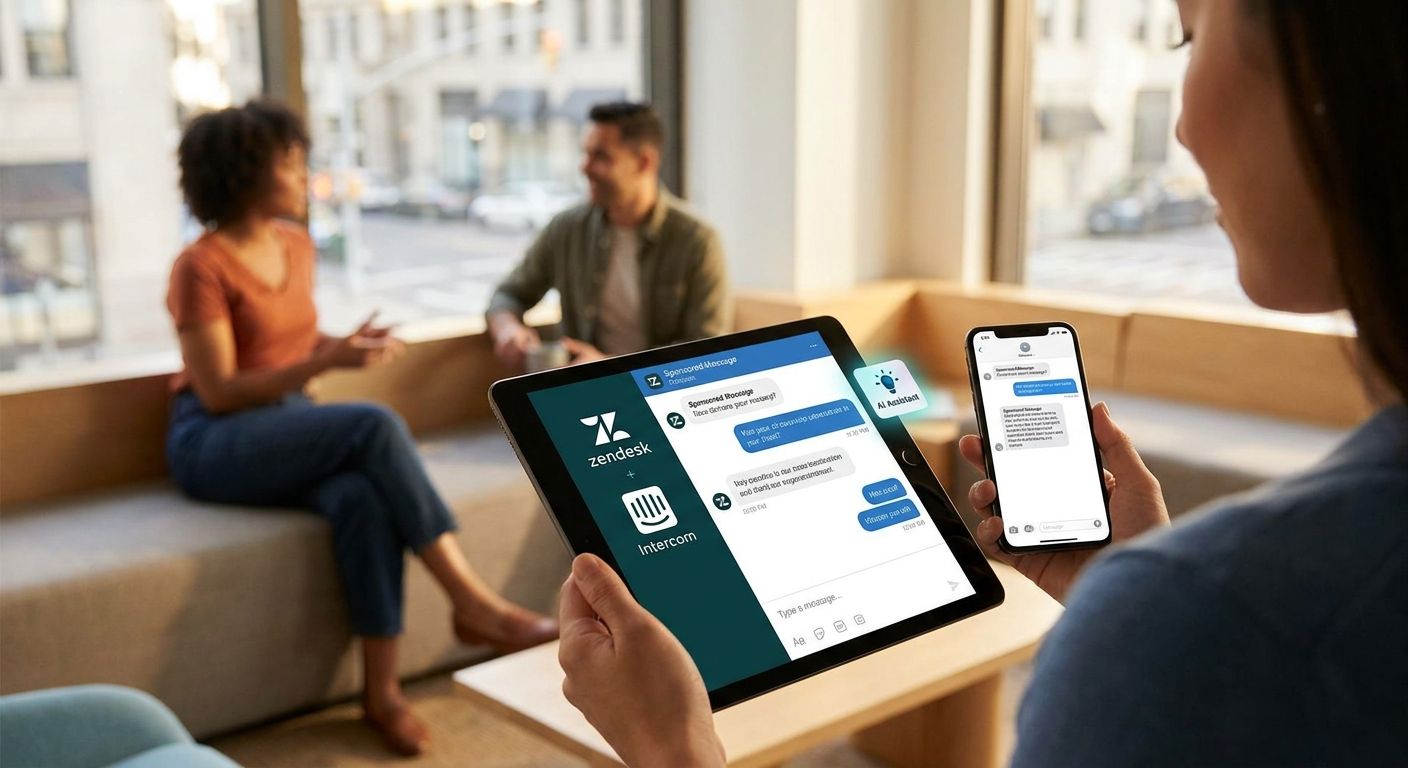
Zendesk and Intercom-embedded AI assistants monetize support conversations by inserting native, contextual ad units into resolved or idle chat states, turning ticket volume into a revenue line instead of a pure cost center. Support bots behave differently from consumer chat apps: a user messaging about a billing dispute, a shipping delay, or an account upgrade is already close to a purchase decision, but the ad has to wait for the ticket to resolve or it reads as tone-deaf.
- Elo's SDK adds conversational ads to Zendesk and Intercom AI assistants without blocking ticket resolution.
- Billing, shipping, and account-status queries carry commercial intent by default — no extra targeting needed.
- Placement after resolution or during idle wait states protects CSAT while still monetizing the conversation.
- Manual keyword rules work under a few hundred daily conversations; past that, a contextual matcher is required.
Why conversational ads matter for Zendesk and Intercom AI assistants
Support teams running AI assistants on Elo treat every resolved ticket as a monetizable event, not just the ones that end in an upsell. That's a structural difference from most ad-supported chat: a customer asking "where's my order" isn't going to buy anything from that exchange, but the query itself is high-intent (shipping, delivery, logistics) and matches cleanly against advertiser categories.
Zendesk and Intercom bots also run at volume most consumer chat apps never see — thousands of repetitive, narrow-intent conversations a day. Each one is short, each one resolves fast, and each one is a chance to serve one contextual ad without adding a second screen or a pop-up. The constraint is that the ad can't interrupt resolution. A refund request answered correctly, followed immediately by a native card for a shipping insurance product, reads as helpful. The same card shown mid-ticket, before the refund is confirmed, reads as a company trying to sell while a customer is annoyed.
Conversational ads for Zendesk and Intercom AI assistants work when the ad category matches the ticket category and the placement respects resolution state — that's the whole model, and it's why generic display ad SDKs built for mobile apps don't transfer cleanly into a help desk bot.
How to add conversational ads to a Zendesk or Intercom AI assistant
Map your ticket intents to ad-safe categories
Start with a list of the intents your bot already handles — Zendesk and Intercom both expose this in existing tagging and routing rules. Bucket them before you touch any ad tooling.
- Billing and payment questions (ad-safe: fintech, expense tools, payment processors)
- Shipping and delivery status (ad-safe: logistics, insurance, packaging)
- Account and subscription changes (ad-safe: SaaS tools, related upgrades)
- Refunds and cancellations (often excluded — see brand safety step below)
- General product questions (ad-safe: complementary tools, integrations)
Set placement rules that protect resolution
Decide where in the conversation an ad can appear before you pick a vendor. This is a policy decision, not a technical one, and it should happen before integration.
- Ads fire only after the bot marks a ticket resolved or escalated to a human
- No ad shown during active troubleshooting or multi-turn technical exchanges
- Idle/wait states (bot is fetching an order status, waiting on an API call) are fair game for a single native card
- Refund, complaint, and cancellation threads get an ad-free flag by default
Choose your ad matching method
At low volume, manual keyword rules are fine — a support lead tags five or six advertiser categories to five or six intent buckets and reviews matches weekly. Past a few hundred daily conversations, that breaks down fast because ticket language varies more than fixed keyword lists can catch.
This is where a contextual matcher earns its place. Elo's SDK reads the conversation context (not just keywords) and returns a native ad card matched to the actual support intent, scored per conversation rather than per fixed rule. Twelve lines of integration code sit between "manual spreadsheet of keyword rules" and "ad matched to live conversation context."
Instrument revenue tracking before you scale
Don't wait until month three to figure out whether ads are worth the CSAT risk. Track this from day one.
- Impressions served per resolved conversation
- Click-through and any downstream conversion advertisers report
- CSAT score on ad-served tickets versus ad-free tickets, matched by intent category
- Revenue per 1,000 resolved conversations (your effective RPM for support traffic)
Test brand safety filters before full rollout
A support bot handles angry customers. An ad shown on the wrong thread costs more in trust than it earns in revenue.
- Exclude refund, cancellation, and complaint-flagged conversations by default
- Block advertiser categories that compete directly with your own product line
- Review a sample of served ads weekly for the first month, not just at launch
- Confirm the SDK supports per-conversation exclusion rules, not just global category blocks
Measure ad revenue per resolved conversation
Once ads are live, the metric that matters isn't total impressions — it's revenue per resolved conversation, tracked against CSAT on the same segment. A high-fill, low-CSAT result means the placement rules from step two need tightening, not the ad matcher.
“If the ad shows up before the ticket is resolved, users don't say thank you for the offer — they file a complaint.”
Comparing your options for Zendesk and Intercom AI assistant monetization
| Option | Best for | Key limitation |
|---|---|---|
| No ads (cost center) | Teams that don't want revenue tied to support | Zero offset against LLM API and hosting costs |
| Manual keyword-matched banners | Very low conversation volume, one or two advertisers | Breaks native chat UX, doesn't scale past a handful of rules |
| Direct sponsorship deals | Teams with an existing advertiser relationship | Needs a sales process, slow to fill inventory |
| Elo SDK (contextual native ads) | Zendesk or Intercom bots at meaningful conversation volume | Requires upfront intent mapping and placement rules |
Verdict: no ads is the right call for support teams that don't need the revenue and don't want CSAT risk on the table at all — that's a legitimate hold. Manual keyword banners are a fine starting point below a few hundred conversations a day but hit a ceiling fast — treat that as a wait, not a long-term plan. Elo's SDK is the buy for any Zendesk or Intercom AI assistant running enough daily conversation volume to justify contextual matching over a spreadsheet of rules.
Add ads to your support assistant
See the integration steps for an ad-supported AI chatbot.
Common mistakes Zendesk and Intercom teams make
- Showing ads before a ticket resolves. The single fastest way to tank CSAT on an otherwise working support bot — placement timing matters more than ad relevance.
- Treating every ticket category as ad-safe. Refund and complaint threads need an ad-free flag; skipping this step turns a monetization win into a support complaint about the company itself.
- Sticking with manual keyword rules past a few hundred daily conversations. Rules that worked at pilot volume start mismatching intent as ticket variety grows, and nobody notices until CTR drops.
- Never comparing CSAT on ad-served versus ad-free tickets. Without this split, you can't tell whether ads are the cause of a support score dip or just a coincidence.
- Launching to 100% of traffic instead of a segment. Rolling ads out to every conversation on day one removes your ability to A/B test placement rules before they're locked in.
FAQ
What's the best way to add conversational ads to a Zendesk AI assistant in 2026?
Map your ticket intents to ad-safe categories first, then set placement rules that only show ads after resolution or during idle wait states. Elo's SDK handles the contextual matching once those rules are in place, without needing a manual keyword spreadsheet.
Is Intercom Fin monetizable with conversational ads?
Yes, any Intercom-based AI assistant can carry native ad units as long as placement respects the resolution flow. The ad needs to appear after the bot confirms a resolution or during a wait state, not mid-troubleshooting.
Do conversational ads hurt support CSAT scores?
Poorly timed ads hurt CSAT; correctly placed ads generally don't, based on the placement discipline outlined above. The risk comes from showing ads during active troubleshooting or on complaint threads, not from the presence of ads themselves.
What's the difference between banner ads and conversational ads in a help desk bot?
Banner ads are static units bolted onto a chat window; conversational ads are native cards matched to the specific ticket context and shown inline. Native cards read as part of the resolution, not an interruption of it.
Can I run ads only for certain ticket types?
Yes, category exclusion is a standard placement rule for support bots. Billing and shipping tickets are typically ad-safe, while refund and cancellation tickets are usually flagged ad-free.
How do I measure ad revenue per conversation in a support bot?
Track revenue against resolved conversation count, segmented by ticket category and matched against CSAT for the same segment. A category with high fill but falling CSAT signals the placement rules need tightening, not the ad matcher.
Is a contextual ad SDK GDPR compliant for a Zendesk or Intercom bot?
Compliance depends on how the SDK handles conversation data and consent, not on the ad format itself. Confirm the vendor's data handling policy directly before integration, particularly for EU-based support traffic.
How much conversation volume do I need before manual ad rules stop working?
Manual keyword rules generally hold up under a few hundred daily conversations with a handful of advertiser categories. Past that volume, ticket language variety outpaces what fixed keyword rules can match, and a contextual matcher becomes necessary.
One last thing
The teams that get this right treat the ad-free flag on refund and complaint threads as non-negotiable, not optional — it's the single rule that keeps monetization from becoming a support complaint about the company running the bot. Get that one rule wrong in 2026 and every other placement decision downstream stops mattering.


