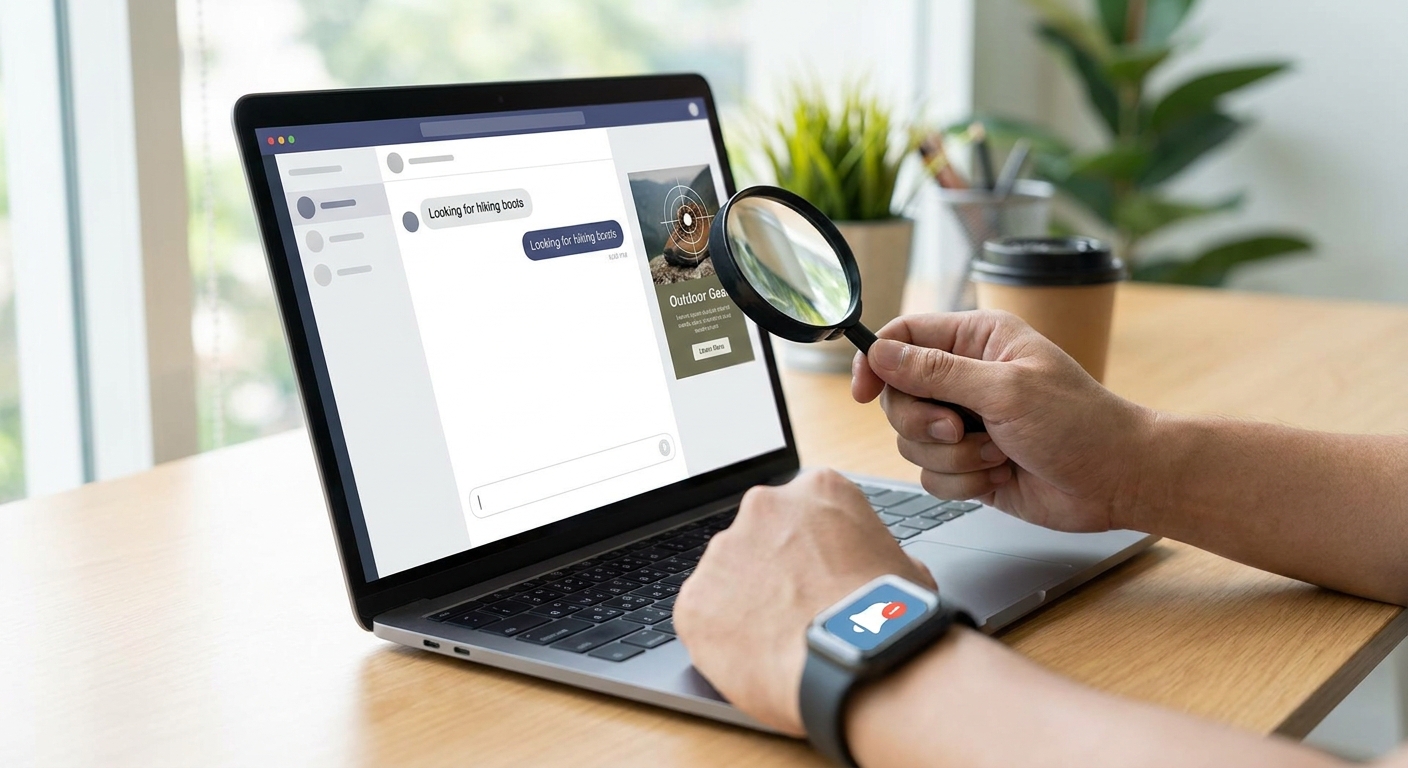
Matching ads to conversation context in an LLM app means scoring the live chat signal against your ad inventory in real time, then rendering only the offers that clear a relevance bar the user never notices as advertising. Get the matching logic wrong and every ad reads like a banner that wandered into a chat window; get it right and users say thanks for the offer.
- Score the last 3-5 turns for intent and entities before touching inventory — full-transcript matching adds latency without a relevance gain.
- Set a cosine similarity threshold around 0.7-0.8 on embeddings and drop anything below it instead of forcing a match.
- Route matching server-side so the client SDK only renders a native card, not a banner, keeping response time under budget.
- Retest thresholds every quarter in 2026 — topic mix and user intent drift as your app grows.
- Verdict: match on recent-turn intent plus a category taxonomy, not full-session embedding search — it's faster and it converts better.
Why this matters
A chatbot that shows an irrelevant ad loses trust in one exchange. A chatbot that shows a well-matched ad gets read as a recommendation, not an interruption. The gap between those two outcomes is entirely in the matching layer — not the ad creative, not the placement, the matching logic that decides whether an ad fires at all.
Most teams building on OpenAI or Anthropic models skip this step and either show ads on every turn (annoying) or never build a matcher and leave revenue on the table. In 2026, with more LLM apps competing for the same ad budgets, a tight contextual match is what separates an app earning meaningful RPM from one that's monetizing noise.
What you'll need
- An LLM chat app already in production, on OpenAI, Anthropic Claude, or a custom model
- Access to the conversation transcript at inference time (last 3-10 turns is enough)
- An ad SDK or adserver that accepts context and returns scored inventory — Elo is built for exactly this
- A category taxonomy that maps your app's topics to advertiser verticals
- An embedding model or lightweight classifier for intent extraction
- A latency budget — matching needs to resolve before the response renders, typically under 300ms
The steps
1. Extract signal from the last few turns, not the whole session
Pull the last 3-5 user and assistant turns and run them through an intent extractor or embedding call. This gives you enough signal to detect what the user actually wants right now without dragging in stale context from ten messages ago.
Why it matters: full-session matching is slower and dilutes intent — a user who asked about flights in turn 2 and pivoted to hotel budgets by turn 8 doesn't want a flight ad anymore. Expected outcome: a compact intent vector or short list of entities (destination, budget, product category) per turn.
Common mistake: matching on the system prompt instead of the live conversation. The system prompt tells you what the app does, not what the user wants this session.
2. Build a category taxonomy that mirrors your inventory
Map your app's likely topics to the advertiser categories in your ad network — travel, SaaS, food, finance, and so on. Keep the taxonomy flat, 15-30 categories is enough for most single-purpose chat apps.
Why it matters: embedding similarity alone will surface near-miss matches (a running shoe ad for a hiking-boots query). A taxonomy layer catches those before they render. Expected outcome: every scored ad candidate carries a category label you can filter on.
Common mistake: building a taxonomy with hundreds of micro-categories. It slows scoring and most advertisers don't buy that granularly anyway.
3. Score candidates with embeddings, then apply a threshold
Run the extracted context and each ad's metadata through the same embedding model, compute cosine similarity, and set a floor — 0.7 to 0.8 is a reasonable starting range for most conversational contexts in 2026. Anything below the floor doesn't render.
Why it matters: a threshold is the difference between contextual and random. Without one, a matcher will always return its best available option even when the best option is a 0.4 similarity score that shouldn't show at all. Expected outcome: some turns show no ad. That's correct behavior, not a bug.
Common mistake: chasing 100% ad fill rate. A chat app that forces an ad into every turn trains users to ignore or distrust the ads entirely.
4. Route the match server-side and keep the client thin
The SDK on the client should only handle rendering — the scoring, taxonomy lookup, and threshold logic run server-side against the adserver. This keeps client integration small and keeps your matching logic upgradeable without a client release.
Why it matters: server-side matching lets you retrain or retune thresholds without shipping new app versions. Expected outcome: the client SDK integration stays a handful of lines regardless of how complex the matcher gets behind it.
Common mistake: embedding the matching logic in client code. It bloats the bundle and locks you into whatever logic you shipped on day one.
5. Render as a native card, not a banner
Once a candidate clears the threshold, render it as a card that matches your chat UI's visual language — same font, same bubble shape, clearly labeled as sponsored. It should read as part of the conversation, not an overlay on top of it.
Why it matters: banner-style ads in a chat interface look broken and get ignored or blocked. A native card that respects the conversation's flow gets read. Expected outcome: click-through on well-matched native cards runs noticeably higher than banner-style units in chat surfaces.
Common mistake: interrupting mid-response to insert an ad. Wait for a natural turn boundary.
6. Log every match decision, including the ones you suppressed
Record the intent signal, the top-scoring candidate, its similarity score, and whether it cleared the threshold — even for turns where nothing rendered. This log is what lets you tune the matcher later.
Why it matters: without a log of suppressed matches, you can't tell whether your threshold is too strict (losing revenue) or too loose (annoying users). Expected outcome: a queryable event log you can pull weekly.
Common mistake: only logging successful ad renders. That data tells you nothing about false negatives.
7. A/B test the threshold and placement before scaling
Run two thresholds — say 0.72 versus 0.80 — against a split of live traffic and compare click-through and user complaint rate over at least two weeks. Don't guess at the right number; test it against your actual users.
Why it matters: the right threshold depends on your topic mix, your ad density, and your users' tolerance — there's no universal number that works for a wellness app and a coding assistant equally. Expected outcome: a threshold backed by your own traffic, not a blog post's suggestion.
Common mistake: changing the threshold and the rendering format in the same test. Isolate one variable at a time.
Add contextual ad matching to your LLM app
Score conversation context and render native ad cards without building the matcher yourself.
Troubleshooting
- Ads feel random or off-topic. Your threshold is likely too low, or your taxonomy categories are too broad. Tighten both before touching the embedding model.
- Fill rate is near zero. Threshold is probably too strict for your inventory size — a small advertiser pool needs a slightly lower floor to find any match at all.
- Latency spikes when ads are on. Matching is likely running synchronously in the request path. Move scoring to a parallel call that races against the LLM response and only blocks rendering, not generation.
- Same ad shows repeatedly to the same user. Add frequency capping to the matcher logic — relevance and repetition are separate problems and need separate rules.
- Users report ads feel intrusive even when relevant. Check placement, not relevance — an ad injected mid-answer reads as intrusive regardless of topic match.
- Matching quality degrades over a few months. Topic mix drifts as your user base grows. Re-run the A/B test from step 7 quarterly, not once at launch.
Tools and resources
- Embedding model (OpenAI, Anthropic, or open-source) for turn-level intent scoring
- A taxonomy spreadsheet mapping app topics to advertiser categories
- Elo's SDK for Next.js chat apps if you're shipping a web-based assistant
- An event log or analytics pipeline for match decisions
- A guide to measuring ad revenue per user once matching is live, so you can tie relevance to RPM
What to do next
Once matching is live and logging, the next lever is testing placement and threshold against real traffic instead of intuition — see how to A/B test conversational ads in a chat app for a structured approach.
FAQ
What's the best way to match ads to conversation context in an LLM app?
Score the last 3-5 turns of the conversation with an embedding model, apply a cosine similarity threshold around 0.7-0.8, and only render ads that clear it. This beats full-transcript matching on both speed and relevance.
How much does contextual ad matching cost to implement?
Cost depends on whether you build the matcher yourself or use an SDK-based adserver. Building requires an embedding pipeline, taxonomy, and logging infrastructure; an SDK like Elo handles scoring server-side so client integration stays minimal.
Is embedding-based matching better than keyword matching for chat ads?
Embedding-based matching handles paraphrasing and intent better than keyword matching, which misses queries that don't share exact terms with your inventory. Most production matchers in 2026 combine both: keywords for hard category filters, embeddings for relevance scoring.
Should every chat turn show an ad?
No. Forcing an ad on every turn drops relevance and trains users to ignore them. A threshold-based matcher will naturally suppress ads on turns with no strong candidate, and that's correct behavior.
How do I avoid ads feeling intrusive in a chat interface?
Render ads as native cards that match your chat UI, only at natural turn boundaries, never mid-response. Placement matters as much as relevance for how intrusive an ad feels.
Can I match ads to context in a RAG-based chatbot?
Yes. RAG chatbots already have retrieved context and user intent available at inference time, which is the same signal a matcher needs — the retrieval step and the ad matching step can share the same embedding call.
How often should I retune the matching threshold?
Retest quarterly at minimum. Topic mix and user intent shift as your app's user base grows through 2026, and a threshold tuned at launch drifts out of alignment within a few months.
Does contextual ad matching work with Anthropic Claude apps as well as OpenAI apps?
Yes. Matching logic operates on conversation text and embeddings, independent of which model generated the response, so it works the same way across OpenAI, Anthropic Claude, or custom LLM stacks.
One last thing
The biggest lever most teams miss isn't the embedding model or the threshold — it's logging suppressed matches. Without that log, you're tuning blind, guessing whether a stricter threshold cost you revenue or saved you complaints. Turn logging on before you ship the matcher, not after.


