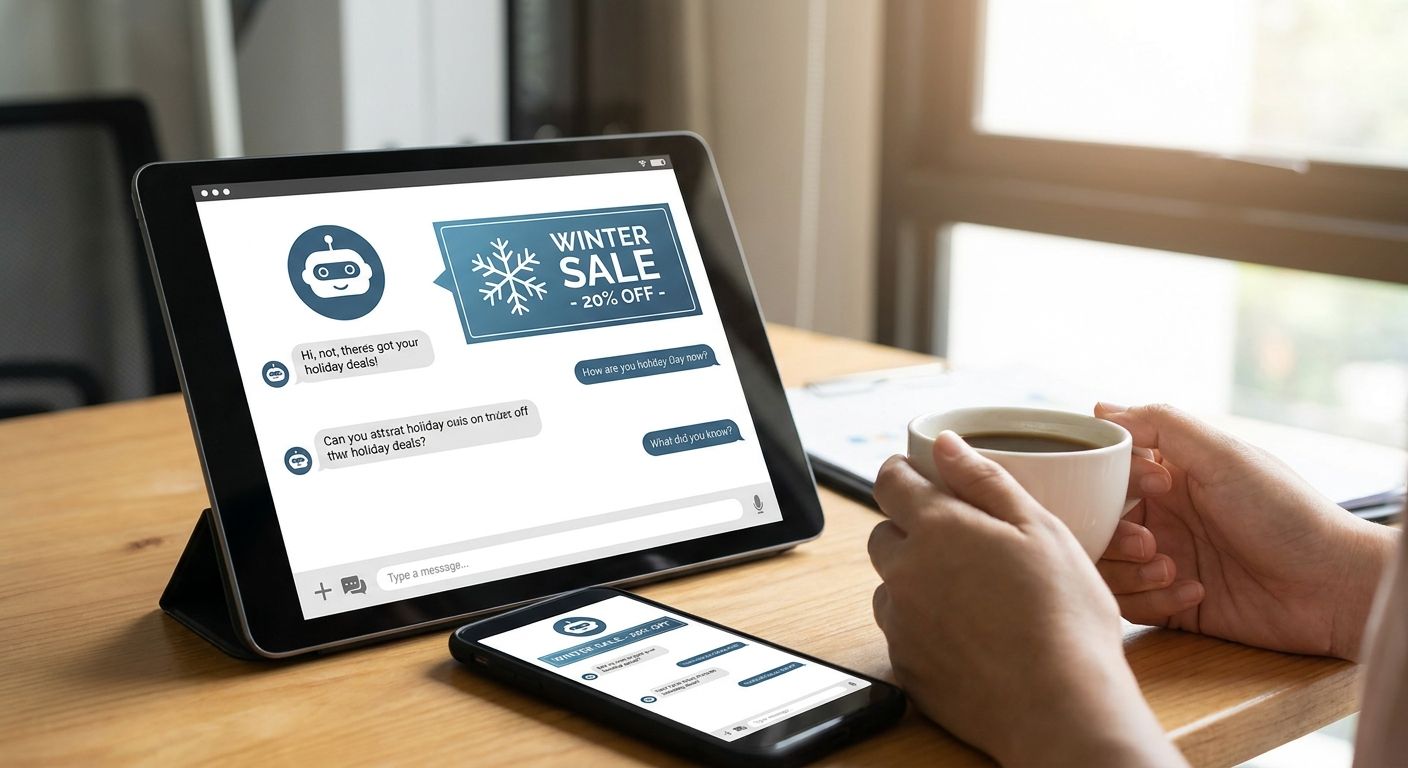
Seasonal ad promotions inside an AI chatbot work like any limited-time campaign — except the inventory is a conversation, not a banner slot. Get the timing, frequency, and context-matching right and a Black Friday or holiday push lifts revenue without making the chat feel like a shopping mall in December.
- Seasonal ad promotions in an AI chatbot need a defined start/end date, a frequency cap, and context rules set before launch.
- Elo's contextual matcher lets a Black Friday campaign trigger only when the conversation topic fits — not on every turn.
- Cap seasonal impressions at 2-3 per session; higher caps push users toward ad fatigue during high-traffic weeks.
- Test creative 30 days out from a holiday, not the week of, so the matcher has data before peak traffic hits.
- Retire seasonal campaigns on schedule — a leftover Black Friday card running in January reads as broken, not native.
Why this matters
Holiday and event traffic spikes are the highest-value windows an ad-supported chatbot gets all year — advertisers pay more for Q4 and event-adjacent inventory because purchase intent is already elevated. Miss the launch window by even a week and the CPM premium is gone by the time the campaign goes live.
Seasonal promotions also carry more risk than evergreen ad slots. A campaign that isn't switched off on schedule keeps surfacing stale offers weeks after the event ends, which erodes trust in every ad shown afterward — seasonal or not. Building the campaign correctly the first time in your ad-supported chatbot setup avoids that cleanup problem entirely.
What you'll need
- An ad SDK already integrated into your chat app (Elo or another conversational ad network)
- A defined campaign calendar — start date, end date, and a hard cutoff for creative rotation
- Seasonal ad creative approved by the advertiser, tagged separately from evergreen inventory
- A frequency cap policy (impressions per session, per user, per day)
- Access to your ad dashboard to monitor fill rate and pacing daily during the promotion window
- A rollback plan — the ability to disable the campaign in minutes if pacing runs hot
The steps
1. Define the campaign window and lock the dates
Seasonal campaigns fail most often because the dates are soft. Set an exact start and end timestamp — not "early November" but November 21, 2026 at 00:00 UTC through December 2, 2026 at 23:59 UTC for a Black Friday/Cyber Monday window.
Hard dates let your ad server auto-expire the campaign instead of relying on someone remembering to turn it off. Common mistake: teams set a start date but no end date, and the promotion runs until a developer notices it three weeks late.
2. Match the campaign to conversation context, not just keywords
A seasonal promotion still needs to respect topical relevance — a gift-guide ad works in a shopping-related thread, not in a customer-support conversation about a billing error. Set context rules so the campaign only fires when the conversation topic aligns with the offer.
This is where matching ads to conversation context does the heavy lifting — the matcher scores relevance per turn instead of firing on a static keyword list. Expected outcome: fewer irrelevant impressions, higher click-through on the ones that do fire.
3. Set a frequency cap before traffic spikes
Holiday traffic can run 2-4x normal volume depending on your app category. Without a cap, the same user can see the same seasonal card 8-10 times in one session during peak hours — that's the fastest way to trigger ad fatigue.
Cap seasonal impressions at 2-3 per session and no more than 1 repeat of the identical creative per day. Review how to avoid ad fatigue in ai chat interfaces before finalizing the number for your app. Common mistake: copying the evergreen frequency cap into the seasonal campaign — seasonal traffic volume is different and the cap should be too.
4. Price the seasonal slot separately from evergreen inventory
Advertisers expect to pay a premium for Q4 and event windows. Price seasonal inventory on its own line so the CPM reflects elevated demand instead of blending into your standard rate card.
A direct-deal advertiser running a Black Friday 2026 push will typically negotiate a fixed CPM or flat sponsorship fee for the window rather than accept your standing programmatic rate. Setting this up correctly is covered in how to price ad inventory in a conversational ai app. Expected outcome: higher RPM for the promotion period without changing your evergreen rates.
5. Launch creative 30 days ahead, not the week of
Give the matcher time to learn which conversation contexts convert before peak traffic hits. Launching a holiday campaign 30 days out lets you catch mismatched targeting or a broken creative card while traffic is still light — not during the highest-revenue week of the year.
Common mistake: waiting until the Monday of Black Friday week to push live creative, leaving zero buffer to fix a rendering issue or a mistargeted rule.
6. Monitor pacing daily during the window
Seasonal campaigns pace differently than evergreen ones — a slow start on day one can mean the budget won't fully deliver by the cutoff, and a fast start can mean it exhausts three days early. Check fill rate and spend pacing against the calendar every day the campaign runs, not just at launch and at the end.
Expected outcome: budget delivers fully within the window, and you catch a pacing problem with enough runway left to adjust the cap or bid.
7. Retire the campaign on the exact end date
When the window closes, the campaign should stop firing immediately — not fade out over a few days. A Cyber Monday card still appearing on December 5, 2026 signals the ad system isn't maintained, and that impression hurts trust in ads shown for months afterward.
Build the auto-expire into the campaign config from step one so retirement isn't a manual task someone has to remember.
Set up your next seasonal campaign
See how contextual matching and frequency caps work inside the Elo SDK.
Troubleshooting
Campaign isn't firing at all. Check that the context-matching rules aren't too narrow — a rule requiring an exact keyword match will miss most conversational phrasing. Broaden the topic tags rather than the keyword list.
Fill rate drops mid-campaign. This usually means the advertiser's budget is pacing out early because the frequency cap is set too low relative to your traffic volume. Raise the cap slightly or add a backup seasonal creative to fill the gap.
Same ad shown twice in one session. The frequency cap logic isn't reading session state correctly — confirm the SDK is passing a persistent session ID rather than generating a new one per message.
Users complain the ad feels off-topic. The context matcher is likely scoring on the wrong signal — check whether it's matching on the last message only versus the full conversation thread, which produces noisier results.
Campaign didn't shut off on schedule. The end-date trigger wasn't wired to auto-disable; it was set as a display-only field. Confirm the cutoff is enforced at the ad-serving layer, not just the dashboard.
Revenue looks lower than expected for the window. Compare CPM against your evergreen rate — if seasonal inventory was accidentally priced at the standard rate instead of the premium seasonal rate, that's the gap.
Tools and resources
- An SDK-based adserver like Elo, with context-matching built in rather than bolted on
- A campaign calendar shared between whoever manages ad ops and whoever ships the chatbot code
- Dashboard access with daily pacing visibility, not just end-of-month reporting
- A/B testing capability for seasonal creative variants — covered in A/B testing conversational ads
- A rollback switch that disables a campaign without a code deploy
What to do next
Once a seasonal window closes, review pacing data and frequency-cap performance before the next one — Presidents' Day, spring shopping, or Black Friday 2027 will need the same setup, tuned with what worked in 2026. Keep the seasonal campaign config as a template rather than rebuilding it from scratch each quarter.
FAQ
What are seasonal ad promotions in an AI chatbot?
Seasonal ad promotions are time-boxed conversational ad campaigns tied to a holiday or shopping event, like Black Friday or back-to-school, that run inside a chat interface for a fixed window and then expire. They use the same contextual matching as evergreen ads but with tighter dates and usually a premium CPM.
How much lead time do you need to launch a holiday campaign in a chatbot?
Launch creative and context rules about 30 days before the event so the matcher has time to learn which conversations convert before peak traffic hits. Launching the week of the event leaves no buffer to fix a targeting or rendering issue.
Does running seasonal ads hurt chat UX?
Not if frequency is capped at 2-3 impressions per session and the ad only fires when the conversation topic matches the offer. Seasonal ads that ignore context or repeat too often are what drives complaints, not the promotion itself.
Can seasonal and evergreen ads run at the same time?
Yes — seasonal campaigns should run as a separate priority tier so they take precedence during the promotion window without disabling evergreen inventory entirely. Pricing and frequency caps should be tracked separately for each.
How do you measure a seasonal campaign's performance in a chatbot?
Track fill rate, pacing against the campaign calendar, and CPM realized versus the premium rate set for the window, checked daily rather than only at the end. A campaign that paces out early or late signals the frequency cap or bid needs adjustment before the next window.
What happens if a seasonal campaign isn't turned off on time?
A holiday ad still showing weeks after the event reads as broken to users and erodes trust in ads shown afterward, seasonal or not. Auto-expire the campaign at the ad-serving layer rather than relying on a manual shutoff.
Is seasonal ad pricing different from standard chatbot ad rates?
Yes — advertisers typically pay a premium CPM or negotiate a flat sponsorship fee for Q4 and event-adjacent windows because purchase intent is elevated. Pricing seasonal inventory on its own line keeps that premium from blending into the standard rate card.
What frequency cap should a seasonal chatbot ad use?
Start at 2-3 impressions per session with no more than one repeat of the same creative per day, then adjust based on traffic volume during the window. Holiday traffic can run several times normal volume, so evergreen caps are usually too loose for seasonal use.
One last thing
The campaigns that overperform in Q4 2026 aren't the ones with the biggest creative budget — they're the ones with the tightest context-matching rules, because a relevant ad shown to fewer people beats an irrelevant one shown to everyone. Set the matcher narrow first, then widen it if fill rate lags, rather than starting broad and tightening under pressure mid-campaign.


