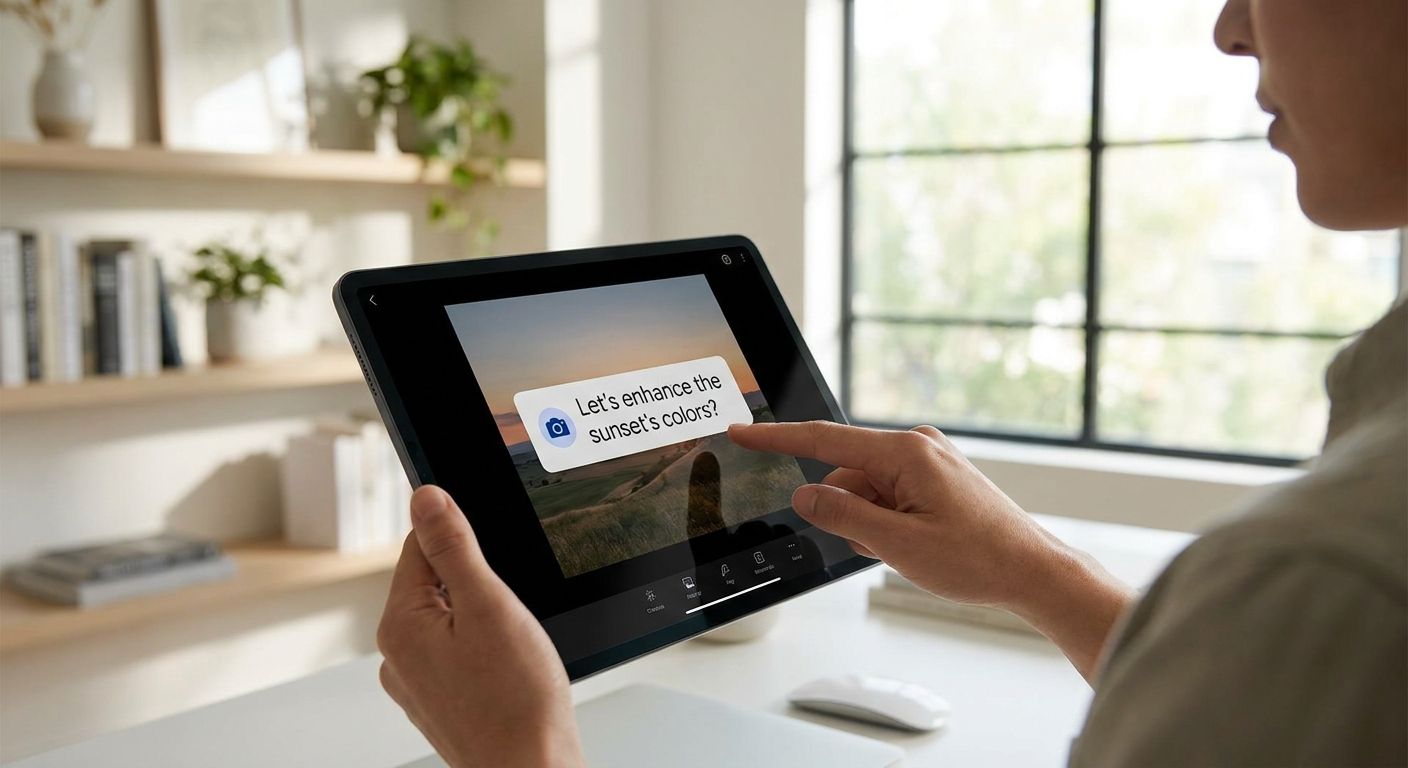
A photo editing assistant lives or dies on speed and trust: users upload personal images, ask for a fix, and expect an answer in seconds. Conversational ads for a photo editing assistant work when they show up inside that flow as a relevant suggestion, not a banner stapled over the canvas.
- Native contextual ad cards outperform banners for AI photo editing assistants because they sit inside the answer, not over the image.
- Context matching on intent (background removal, exposure fix, preset request) drives the ad category, not just keywords.
- Legacy mobile ad SDKs built for 300x250 banner units are a Skip for chat-based photo tools in 2026.
- Elo's SDK is a Buy for developers who want conversational ads for a photo editing assistant without rebuilding the chat UI.
Why this matters
Most AI photo editing assistants monetize through subscriptions or nothing at all. A free tier that handles thousands of "remove this background" or "fix my exposure" requests a day generates real ad demand from camera gear brands, Lightroom preset sellers, stock asset marketplaces, and print services. In 2026, the ad networks built for mobile app banners still don't understand what "increase contrast on this portrait" means as an ad signal — a conversational adserver does.
Who this is for
This guide is for developers and founders building an AI photo editing or photography assistant on OpenAI, Anthropic, or a custom LLM stack who want to turn free-tier chat volume into revenue. If your assistant already handles editing requests, preset recommendations, or gear questions and you're not monetizing that traffic, this is the gap. The Elo SDK is built for exactly this use case: contextual ads inside the conversation, not display units bolted onto a photo canvas.
What to look for in ads for a photo editing assistant
Context matching on editing intent, not just keywords
A user asking "how do I fix white balance on this shot" is a different ad opportunity than one asking "recommend a preset pack for moody portraits." The matcher needs to read editing intent, not string-match on "photo." Weak matchers throw generic camera ads at every query and kill click-through. Elo's guide on matching ads to conversation context covers how this scoring should work inside an LLM app.
Native ad format, not an overlay
Photo editing happens on a canvas the user is actively looking at. Any ad unit that covers, resizes, or interrupts that canvas gets ignored or closed immediately. A native card that appears in the chat thread, between the assistant's answer and the next prompt, respects the workspace the user came to use.
Fill rate across a bursty traffic pattern
Photo editing sessions spike around specific events — a wedding weekend, a product shoot deadline, a holiday photo dump. An ad SDK with thin demand will show blank cards during exactly the sessions with the highest volume. Fill rate matters more here than in steadier-traffic verticals like customer support bots.
Brand safety for creative and professional users
Many photo editing assistant users are working professionals — wedding photographers, product photographers, social media managers. Ads for gambling, dating, or low-quality dropshipping gear next to a professional retouching workflow damage trust in the product itself, not just the ad.
Compliance around uploaded images
Users upload personal and sometimes client photos to get edits done. Ad targeting logic needs to run on the conversation text and stated intent, never on image content or metadata, and consent flows need to hold up under GDPR in markets where that applies in 2026.
Latency that doesn't slow the edit
If an ad call adds delay to an already-processing-heavy request like a background removal, users notice. The ad decision needs to resolve fast enough that it doesn't sit in the critical path of the image response.
Top picks for a photo editing assistant
Native contextual ad cards — the safe pick. A card rendered inline after the assistant answers an editing question, matched to the specific request (preset, plugin, print service, gear). One placement per response keeps the UX clean. Buy for any photo editing assistant with steady free-tier volume in 2026.
Product-matched placement for gear and presets — the specific pick. Instead of a generic "sponsored" tag, the ad names the actual category the user is working in — portrait presets, background removal tools, printing services — pulled straight from the query. This format converts better than a category-blind ad because the match is tight. Buy if your assistant handles a narrow set of repeatable editing tasks.
Ad mediation across multiple demand sources — the scale play. Running more than one demand source behind a single SDK call raises fill rate during traffic spikes, at the cost of more setup and more networks to monitor. Consider once monthly conversation volume is high enough that a single demand source leaves cards blank.
Direct sponsorship deals with camera or software brands — the manual pick. A camera brand or preset marketplace sponsors placements directly inside relevant queries. Revenue per impression can beat programmatic rates, but it requires manual sales work and contract management. Consider only once your assistant has enough scale to justify the outreach.
Legacy banner and interstitial mobile ad networks — the wrong tool. Built for tap-and-swipe mobile apps with 300x250 or full-screen interstitial units, these formats don't have a matcher for conversational intent and they cover the exact canvas your user is trying to edit. Skip for any chat-based photo tool.
What to avoid
- Full-screen interstitials between edits. They look like a normal mobile ad pattern but they interrupt an active editing session and spike churn.
- Ads matched only on the word "photo." A matcher that fires on the literal word rather than editing intent will serve camera-buying ads to someone asking about color grading, which reads as irrelevant and cheap.
- Any targeting logic that touches uploaded image content. Even if it seems like a shortcut to better targeting, it's a compliance risk with users who upload personal or client photos.
Add ads to your photo editing assistant
Native, context-matched ad cards that don't sit on top of the canvas.
Verdict comparison table
| Approach | Context matching | Chat UX impact | Setup effort | 2026 verdict |
|---|---|---|---|---|
| Native contextual ad cards | High | Inline, non-intrusive | Low | Buy |
| Product-matched placement (gear, presets) | High | Inline, non-intrusive | Low-Medium | Buy |
| Ad mediation across networks | Medium-High | Varies by demand source | Medium | Consider |
| Direct sponsorship deals | High, but manual | Custom, negotiated | High | Consider |
| Legacy banner/interstitial networks | Low | Covers canvas | Low | Skip |
FAQ
What are conversational ads for a photo editing assistant?
Conversational ads for a photo editing assistant are native ad cards shown inside the chat response, matched to the editing task the user just asked about, rather than a display banner over the photo canvas. They run through an ad SDK embedded in the assistant, similar to how Elo serves ads inside AI chat apps.
How is a conversational ad different from a mobile banner ad?
A banner ad is a fixed-size unit, often 300x250 pixels, designed for a scrollable app screen. A conversational ad is a native card rendered as part of the chat thread, matched to conversation context instead of screen position.
Is contextual advertising safe for a photography assistant used by professionals?
Yes, when the ad SDK enforces category-level brand safety and matches on stated editing intent rather than broad keywords. Assistants used by working photographers need tighter category controls than a general consumer chatbot.
Does adding ads slow down photo editing performance?
It shouldn't, if the ad decision resolves outside the critical path of the image processing request. A slow ad call that delays a background removal or exposure fix will get noticed by users immediately.
How do you keep conversational ads GDPR compliant when users upload photos?
Targeting logic should run only on the conversation text and stated intent, never on uploaded image content or metadata, with consent handled at the app level before any ad call fires.
What ad format works best inside a chat-based photo editor?
A single native card placed after the assistant's answer works best, because it doesn't cover the image canvas the user is actively working on. Multiple ads per response or overlay units both hurt retention in editing tools.
Can conversational ads run on both OpenAI and Claude-based photo assistants?
Yes, an SDK-based adserver like Elo's is designed to sit on top of the chat layer regardless of whether the assistant runs on OpenAI, Anthropic, or a custom LLM stack.
Do conversational ads work on a free-tier photo editing assistant with low volume?
They can, but fill rate depends on conversation volume, so a low-traffic assistant will see fewer matched ad opportunities than one handling thousands of editing requests a day.
One last thing
The assistants that get monetization right in 2026 treat the ad as part of the answer, not an interruption to it — a preset recommendation after a color-grading question reads as help, not an ad. That's the entire difference between a card a user dismisses and one they act on.


